





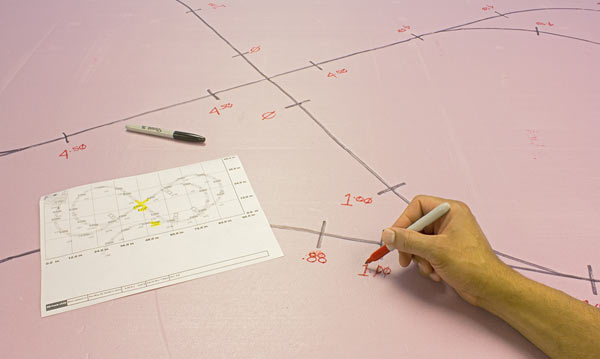
Our preferred method of transferring a track plan to a flat tabletop uses a computer to download and print out the full-scale template of the Readers’ Choice Railroad so we can easily tell how track, accessories, and some scenery elements work on our 4 x 8-foot perimeter.

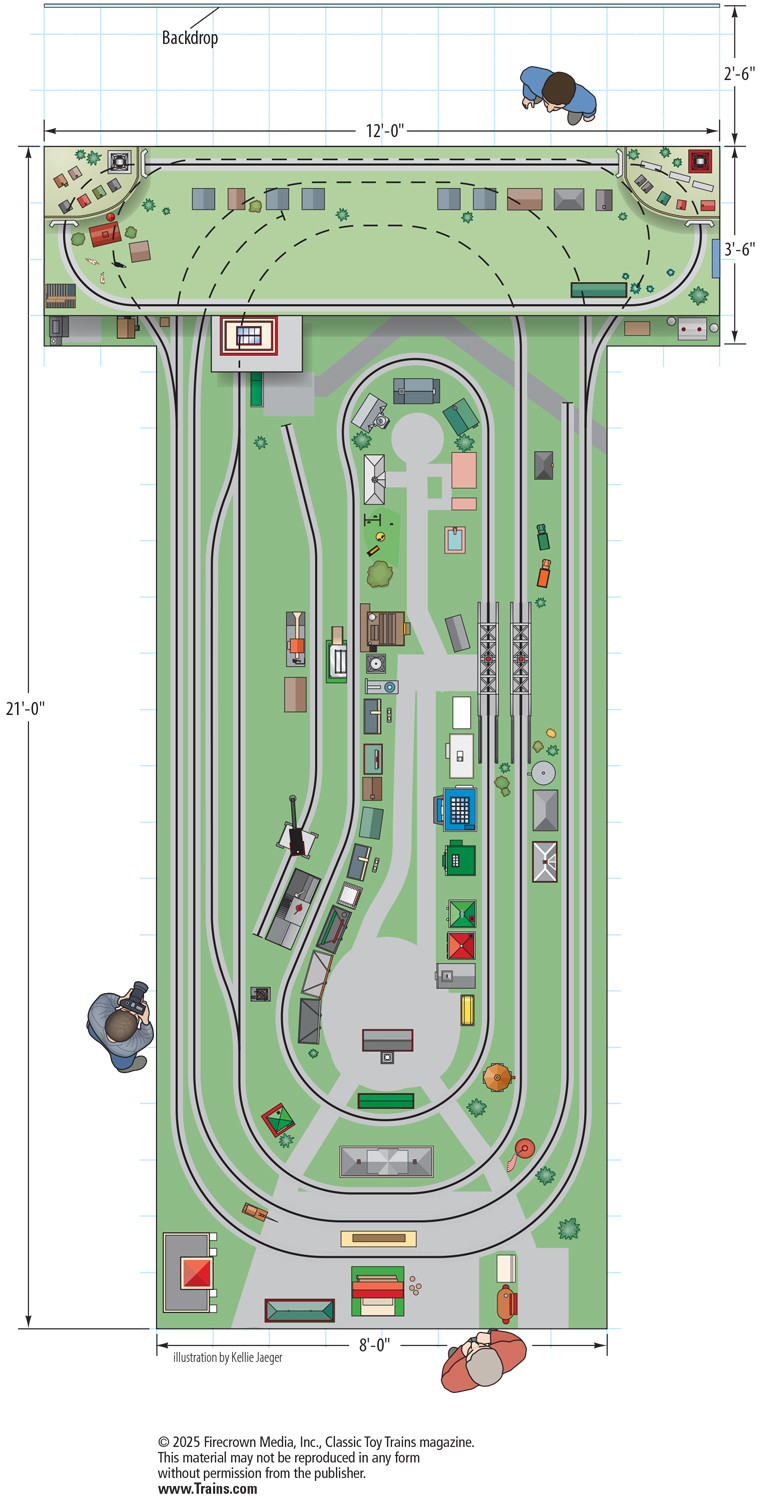
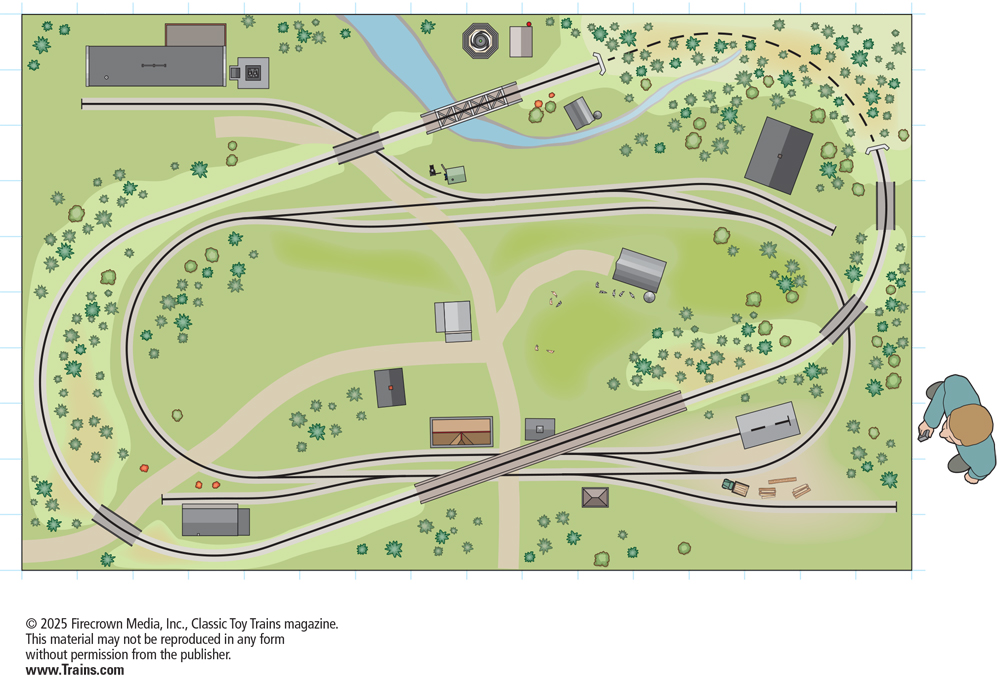
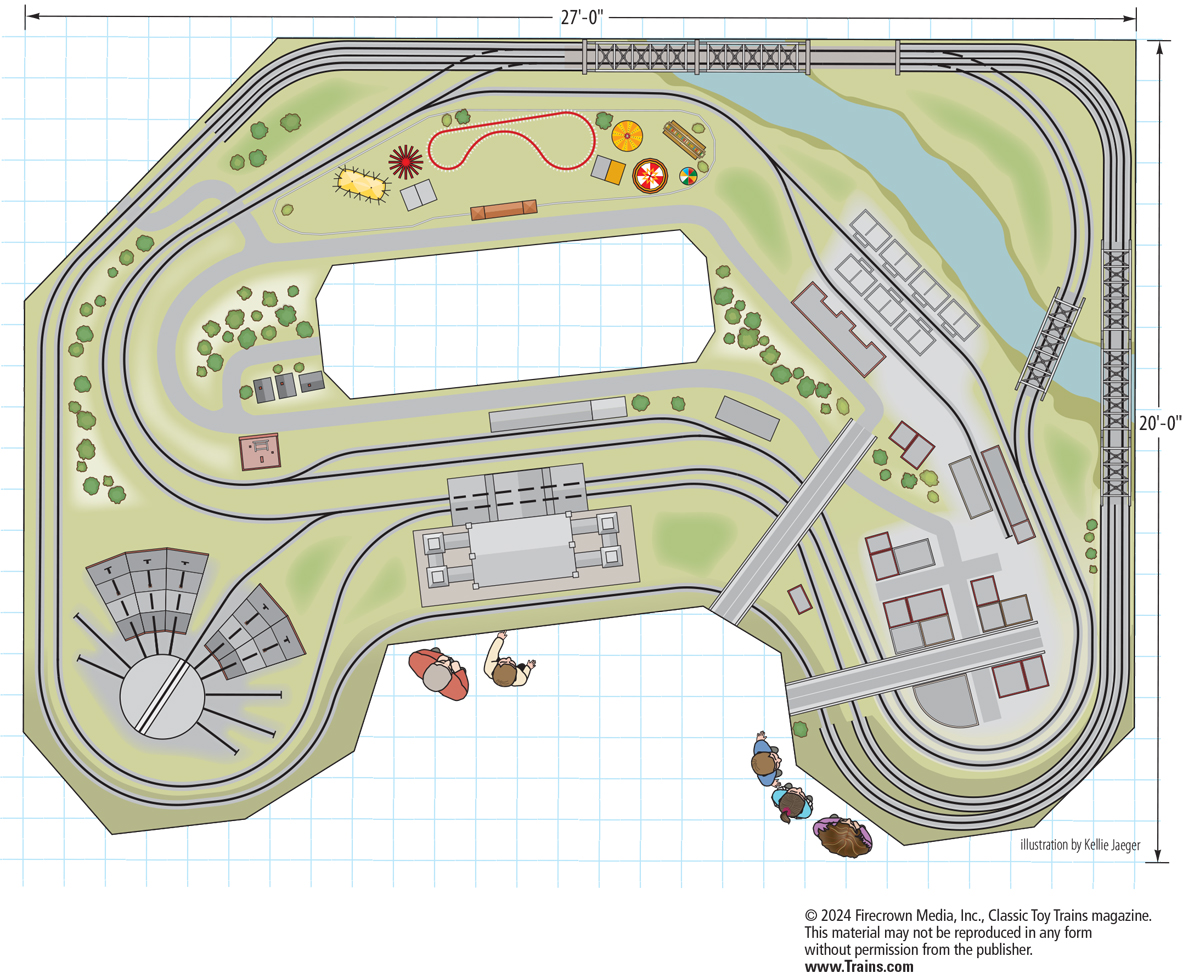
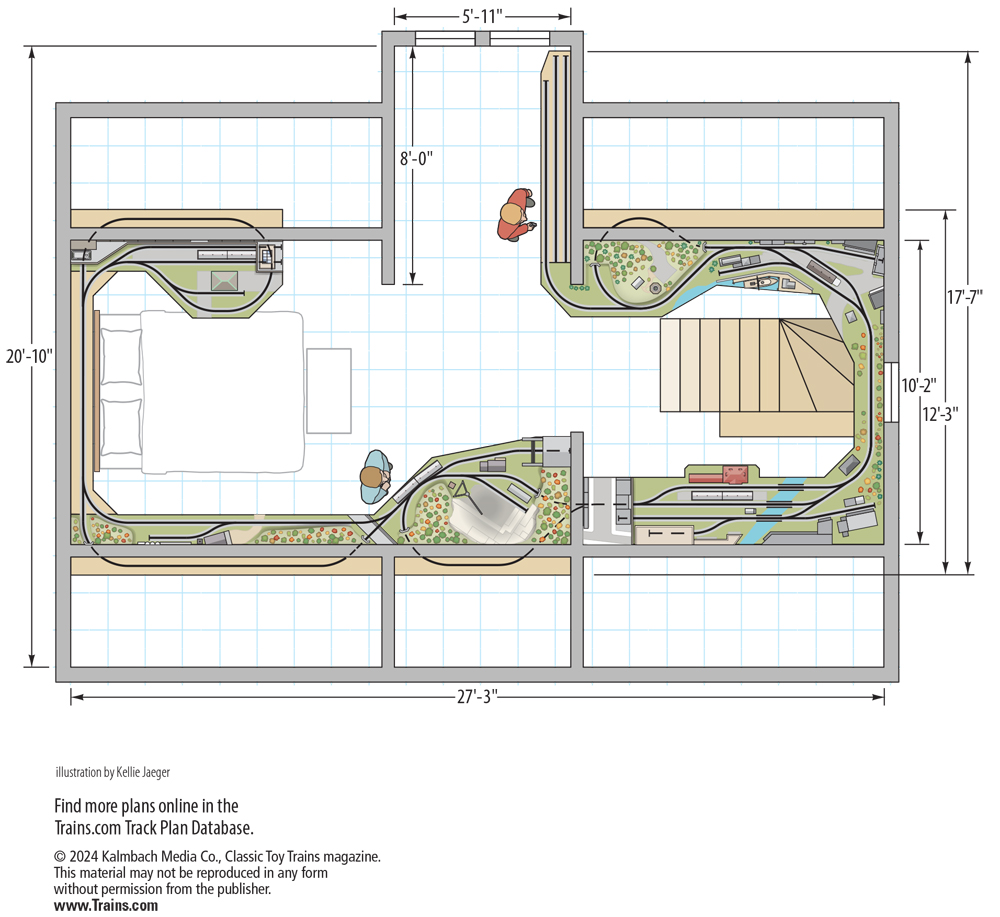



There isn't any downloadable software. You download the pdf, print the sheets out, and put them together on your table top.
This is confusing …… where is the downloadable software to design a new layout? Thank you for any help.
I am trying to download the plan in 100% scale or 1 to 1, but even if I choose scale factors greater than 100%, the printout is always the same where the track gage measures 1 3/16 but should be about 1 5/8. Can you help. I'm using Windows 5.1.
how do you use this to design your own layout?
can somebody tell me the track grade and the size of the bridge that's affiliated with the blue creek ry. layout
As I am newly returning to trains with my grandkids after a 20 year hiatus, my first priority is new track. I've opted to go with the relatively new Fastrack. Would love to see a file on it. Thanks in advance!
Download is extremely slow, 6-8 minutes, but it did eventually open.
A file for Lionel Fastrack would be great too…?
how about a file for Fastrack?
unable to open the pdf file